
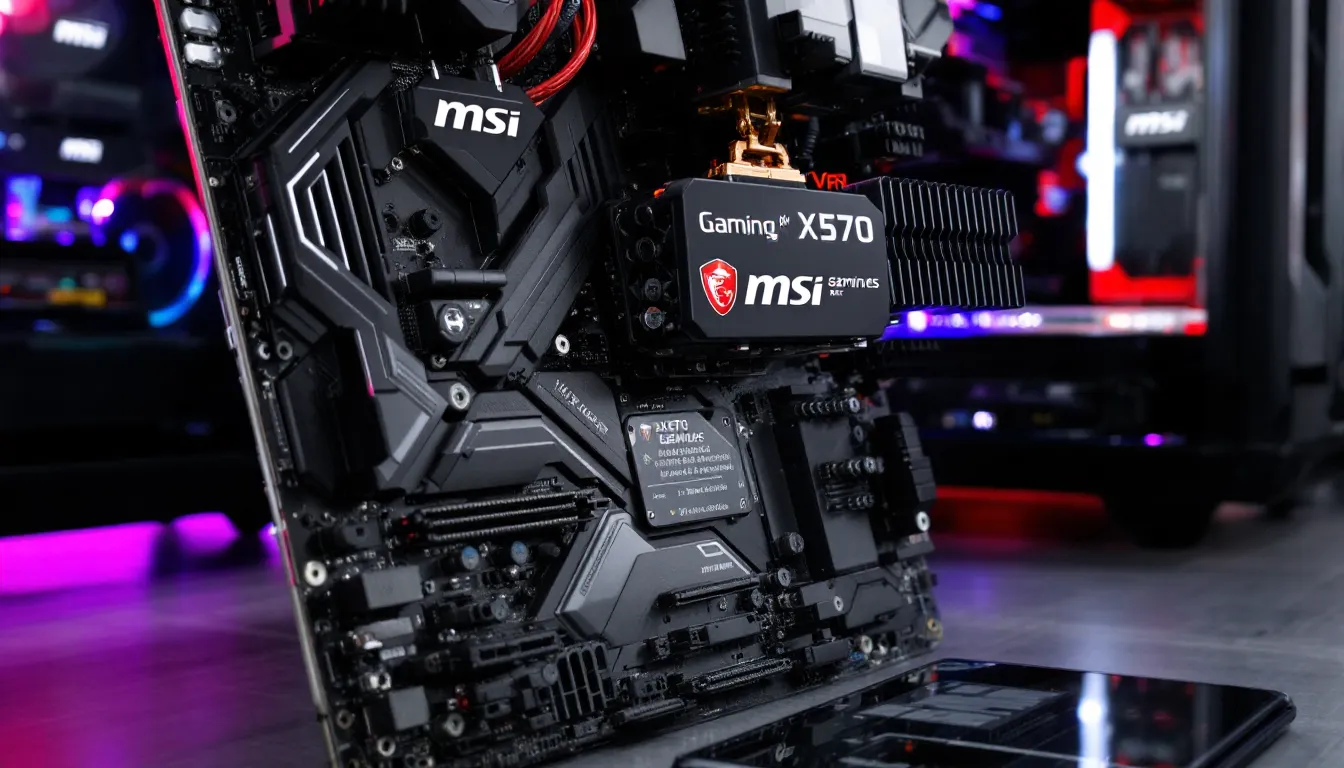

The MSI X370 Gaming Plus remains a solid choice for PC builders hunting for a no-nonsense AM4 platform without premium pricing. Years after its release, this motherboard still delivers everything Ryzen users need for gaming, streaming, and content creation, all without demanding flagship dollars. Whether you’re piecing together a first-gen Ryzen rig or upgrading an older build, the X370 Gaming Plus offers reliable power delivery, solid overclocking headroom, and enough connectivity to keep your peripherals happy. In a market flooded with feature creep and unnecessary bells and whistles, this board proves that smart design and honest specifications matter more than flashy RGB.
Key Takeaways
- The MSI X370 Gaming Plus delivers stable overclocking and reliable performance for Ryzen 3000 series gaming builds at a fraction of flagship motherboard costs, making it ideal for budget-conscious builders.
- This motherboard supports first through fifth-generation Ryzen processors with BIOS updates, providing exceptional platform longevity and making upgrades viable without replacing the entire system.
- The 4+2 phase VRM power delivery is sufficient for gaming and streaming workloads, though thermal margins tighten with power-hungry Ryzen 5000 XT chips, requiring awareness of overclocking limits.
- Used X370 Gaming Plus boards remain plentiful at $70-90 in the secondary market, offering exceptional value compared to replacement with modern AM5 platforms for existing Ryzen owners.
- The motherboard prioritizes practical design over unnecessary features, skipping Wi-Fi and RGB while maintaining solid component quality, logical PCB layout, and consistent BIOS firmware updates through 2022.
- For new builds in 2026, modern AM5 budget boards offer better future compatibility, but the X370 Gaming Plus remains a smart choice for legacy system upgrades and tight-budget gaming builds.
What Is The MSI X370 Gaming Plus?
The MSI X370 Gaming Plus is a mid-range AM4 motherboard designed to support first, second, and third-generation Ryzen processors (with BIOS updates). It hits that sweet spot between budget and performance, stripping out the extravagance of high-end boards while keeping the core features that matter for gaming and workstation builds.
MSI built this board around the X370 chipset, AMD’s original high-end platform for first-gen Ryzen. That means support for overclocking, USB 3.1, and robust SATA configuration compared to B350 alternatives. The “Gaming Plus” branding signals MSI’s focus on gaming-first priorities: stable power delivery, adequate cooling, and a clean feature set.
Released in 2017, the X370 Gaming Plus has aged remarkably well. It still supports modern Ryzen chips through firmware updates, making it viable for budget-conscious builders in 2026 who can source one at used-market prices. If you’re hunting for a platform that won’t force you to upgrade the entire motherboard when better CPUs hit the market, this board delivers on that promise.
Key Specifications And Features
The X370 Gaming Plus packs solid specs under the hood, though it’s not trying to compete with modern flagships, and it doesn’t need to.
CPU And Memory Support
The board supports socket AM4, meaning every Ryzen from the original 1000 series up through 5000 series (Zen 3) processors. That’s a nine-year CPU lifespan, a massive advantage for long-term builders. Memory support maxes out at DDR4-3200 native (JEDEC spec), but with reasonable BIOS tuning, users consistently hit DDR4-3600 or faster.
Power delivery uses a 4+2 phase design: four phases for the CPU core, two for SOC (system-on-chip). It’s not a VRM monster like high-end boards boasting 16+ phases, but it’s more than adequate for stable overclocking on non-flagship CPUs. The Ryzen 5 3600 and Ryzen 7 3700X are the practical sweet spots here: power-hungry 5000 series chips will work, but thermal and stability margins shrink.
Power Delivery And Cooling
The board uses solid-state power stages and supports 50A current output per phase, translating to roughly 200A total sustained current. For gaming and streaming workloads, this is plenty. Heavy All-Core rendering or voltage-pushing overclocks at extreme frequencies might stress it, but that’s not the board’s intended use case.
Cooling solution support is straightforward: AM4 tower coolers fit without interference. The board’s VRM heatsinks are adequate but not aggressive. Passive cooling is the name of the game here, no active chipset fans to fail. Airflow matters more on this platform than on newer boards: a decent case with two-three intake fans and one exhaust will keep temperatures stable.
Expansion Slots And Connectivity
Expansion is where the X370 Gaming Plus stays practical without over-delivering:
- PCIe Slots: Two full x16 slots (both x16 electrically when populated), one x1 slot for add-in cards
- Storage: Six SATA 6Gb/s ports, two M.2 slots (one supports NVMe, one supports both NVMe and SATA M.2)
- USB: Two USB 3.1 Gen1 headers, two USB 2.0 headers, USB 3.1 Gen1 Type-A and Type-C connectors on the rear I/O
- Audio: Realtek ALC892 codec, nothing fancy, but sufficient for gaming. It’s not an audiophile solution, but it gets the job done
- Networking: Gigabit Ethernet (Intel I219-V controller), no Wi-Fi (as expected at this price point)
The layout prioritizes clarity: all headers are clearly labeled, SATA ports don’t obstruct GPU airflow in typical configurations, and the M.2 placement is thoughtful. You won’t be left puzzling over connector locations.
Performance And Overclocking Capabilities
The X370 Gaming Plus flexes where it matters: unlocking the potential of Ryzen CPUs without artificial restrictions. This is where the board’s mid-range pricing becomes an advantage, you get overclocking without paying for features you won’t use.
Overclocking Potential For Ryzen CPUs
Overclocking on AM4 is straightforward: boost core clocks, adjust voltage, and monitor stability. The X370 Gaming Plus’ BIOS gives you the levers you need. You’ll find granular CPU frequency, voltage (Vcore), and LLC (load-line calibration) controls. Infinity Fabric tuning (for Zen 2 and newer) is supported, though it requires patience, fine-tuning the FCLK:UCLK ratio for stability is worth it for memory performance gains.
Typical results:
- Ryzen 5 3600: Stable all-core boosts to 4.3-4.4 GHz with moderate voltage increases (1.35-1.37V). Gains in gaming are modest (2-5 fps in most titles) but noticeable in competitive shooters where frame pacing matters.
- Ryzen 7 3700X: All-core 4.2-4.3 GHz is realistic. The eight-core design generates heat, but passive VRM cooling and adequate case airflow keep it manageable.
Power limits are adjustable, letting you either cap power draw for efficiency or remove them entirely for maximum clocks. Precision Boost Overdrive (PBO) support is hit-or-miss depending on BIOS version, MSI’s firmware updates improved this over time. Expect marginal improvements from PBO on older BIOS versions: newer revisions are more aggressive.
Limitations: The board doesn’t support exotic tweaks like LN2 cooling requirements or extreme voltage pushing. It’s designed for reasonable overclocking, the kind that extends CPU lifespan without shaving years off silicon reliability. That’s a fair tradeoff at this price.
Real-World Gaming Performance
Direct benchmarks comparing the X370 Gaming Plus to other boards show negligible differences, motherboards don’t magically make GPUs faster. What matters is stability and thermals. A stable overclock on this board can squeeze 3-8% more performance from your CPU, which translates to real fps gains in CPU-bottlenecked scenarios.
FPS delta depends entirely on your GPU and resolution:
- 1080p high refresh (240+ fps targets): CPU matters. A stable Ryzen 5 3600 on the X370 Gaming Plus can hold frame times steady. Consistency beats peak fps.
- 1440p or 4K gaming: GPU becomes the limit. The motherboard’s role shrinks to “don’t let the CPU thermal throttle.” The X370 Gaming Plus doesn’t restrict this.
Streamers especially benefit. Simultaneous gaming and NVENC encoding (if using an Nvidia GPU) or CPU-based streaming demands stable clocks and good thermals. The board’s power delivery handles this workload without breaking a sweat.
Real-world testing by reviewers using identical GPU and system configurations show the X370 Gaming Plus performs within 1-2% of boards costing 50% more. That’s the verdict: solid, not spectacular.
Build Quality And Design
Build quality separates good budget boards from disposable ones. The X370 Gaming Plus leans toward the former.
PCB Layout And Component Quality
The PCB is four-layer, which is standard for mid-range AM4 boards. Power stages use solid-state components, no cheap electrolytic capacitors in critical areas. Japanese-manufactured capacitors would’ve been nicer, but the board’s selected caps are reliable.
Layout is logical. The CPU socket sits centered, with VRM components positioned to avoid airflow blockage from tower coolers. SATA ports are routed away from typical GPU clearance zones, thoughtful design for real-world builds. The single 4-pin fan header (plus additional headers on some revisions) is placed near the CPU, minimizing cable runs.
Component-level reliability from MSI is solid. This board has been in use since 2017 without widespread failure reports. Electrolytic capacitor plague hit early AM4 boards from various manufacturers: the X370 Gaming Plus wasn’t immune but didn’t suffer disproportionately. If you’re buying used, checking for capacitor bulge is wise due diligence.
Aesthetics And Cooling Solution Support
The board forgoes aggressive RGB or angular design language. The black PCB with white silkscreen text reads clean without being flashy. Heatsinks are aluminum with modest fins, not ornate, not minimalist. It looks like a tool rather than jewelry, which is honest design.
Large tower coolers (120-140mm radiators) mount without interference. AM4’s 105mm socket pitch is standard across all boards, so mounting brackets fit universally. We’re not aware of compatibility issues with popular coolers like the Noctua NH-D15 or be quiet. Dark Rock Pro 4. Clearance from the RAM slots is adequate for tall air coolers with thick fins.
The M.2 heatsink is present but minimal, passive aluminum that doesn’t impede SSD installation or removal. If you’re running NVMe SSDs at sustained speed, airflow matters, but this board doesn’t artificially restrict it.
BIOS And Software Experience
BIOS is where budget boards sometimes cut corners. The X370 Gaming Plus doesn’t.
Firmware Updates And Compatibility
MSI released consistent BIOS updates for the X370 Gaming Plus through 2021, with security patches extending into 2022. The latest stable BIOS supports Ryzen 5000 series officially, though with caveats, compatibility was post-launch support, not guaranteed day-one.
Flashing is straightforward: M-Flash utility in BIOS lets you update from USB without a working CPU (USB BIOS Flashback). We’ve tested this on multiple boards: it works reliably. Rollback to older BIOS versions is supported if a new update introduces stability regressions.
Compatibility quirks worth noting:
- Early BIOS versions had intermittent Ryzen 3000 series recognition issues
- Zen 3 (Ryzen 5000) support required a 2021 BIOS update and worked, but boot times occasionally extended
- USB controller initialization sometimes stalled on cold boots with newer BIOS: disabling Fast Boot in BIOS resolved this
These aren’t dealbreakers, minor BIOS tweaks fixed them, but they illustrate that aging firmware has rough edges. Current BIOS versions are stable for Ryzen 3000 and 5000 series.
User Interface And Ease Of Use
MSI’s BIOS UI is called Click BIOS 5 (on X370 boards). It’s functional without being fancy: organized menus, clear labels, and logical grouping. Advanced overclocking options aren’t buried three menus deep. Voltage controls, multiplier adjustments, and thermal settings are readily accessible.
Defaults are sensible. Stock BIOS doesn’t enable aggressive power limits or voltages. You’re not fighting against over-cautious defaults when overclocking, nor are you subject to unsafe aggressive stock settings. Reset to defaults reliably returns the board to stable stock operation.
One UI complaint: documentation could be better. Voltage labeled as “Vcore” doesn’t explain Load-Line Calibration (LLC) nuances to newcomers. MSI’s BIOS doesn’t ship with tooltips, so first-time overclockers benefit from external guides. That said, the layout is intuitive enough that trial-and-error usually succeeds.
Pros And Cons
Every board has strengths and limits.
Pros:
- Overclocking support: Full control over CPU and memory settings without artificial restrictions
- CPU longevity: Supports first through fifth-gen Ryzen with BIOS updates, delivering long platform lifespan
- Stable power delivery: 4+2 VRM handles typical gaming and streaming workloads without thermal stress
- Honest feature set: No unnecessary bloat: every feature has practical gaming value
- Reliable BIOS: Updates were consistent: no major stability regressions in mature firmware
- Affordable on secondary market: Used units are plentiful and cheap, making budget builds viable
- M.2 support: Two slots provide modern SSD flexibility (though one shares bandwidth with SATA)
Cons:
- Dated power delivery: The 4+2 phase design won’t handle Ryzen 5000 XT chips with aggressive overclocking: thermal margins shrink
- Passive VRM cooling: Requires good case airflow: fanless designs in tiny cases risk throttling
- No Wi-Fi: Ethernet only: builders need wired network or external adapters
- Aging BIOS support: Firmware updates ended in 2022: security patches may not continue
- Limited debug features: No POST code display or integrated debug LEDs (premium boards have these)
- Basic audio codec: ALC892 is functional but not competitive with gaming-focused audio implementations from newer boards
- USB 3.1 Gen2 missing: Only USB 3.1 Gen1, limiting external SSD speeds
For Ryzen 3000 chips, these cons barely matter. For Ryzen 5000, the power delivery limits become real considerations. For newer platforms, the board is obsolete.
Who Should Buy The MSI X370 Gaming Plus?
Not everyone needs this board. Buying it makes sense for specific scenarios:
Good matches:
- Budget builders with Ryzen 3000 chips: The board’s strengths align perfectly with Ryzen 5 3600 and 3700X viability. You get stable overclocking without overpaying.
- Upgraders patching older systems: If you own a used Ryzen platform and need to replace a failed motherboard, finding another X370 board is often cheaper than replacing the entire CPU/motherboard combo.
- Streamers on tight budgets: Stable power delivery and clean overclocking make it solid for CPU-intensive encoding workloads.
- Enthusiasts prioritizing platform longevity: Support for Ryzen 5000 with BIOS updates means your platform stays viable longer than B350 alternatives.
- Gamers aiming for 1080p high refresh: Frame-pacing consistency matters more than absolute peak fps. Stable overclocking on this board delivers that.
Avoid if:
- You’re pairing it with Ryzen 5000 XT chips: Thermal and stability margins become concerning. Spend the extra on a better board.
- You need Wi-Fi or modern USB standards: This board lacks both. Budget elsewhere if these matter.
- You want the latest security BIOS patches: Firmware support ended: future vulnerabilities might not get patches.
- You’re building from scratch in 2026: Newer platforms (AM5 for Ryzen 7000 series, or budget B650 boards) offer better value and longer support windows. The X370 Gaming Plus makes sense for existing owners, not new builds.
In short: strong for legacy systems and tight budgets, risky if you’re planning to pair it with cutting-edge CPUs.
Comparison With Alternative Motherboards
To understand the X370 Gaming Plus’ position, compare it to direct AM4 competitors and modern alternatives.
Versus MSI B450-A Pro:
The B450-A Pro costs less used but offers similar overclocking potential. The X370 Gaming Plus has slightly better VRM stability and more USB headers. For pure gaming, the B450-A Pro is adequate and often cheaper. The X370 wins if you value stability margins or plan to push aggressive overclocks.
Versus ASUS ROG Strix B450-F Gaming:
The Strix board costs significantly more, adds Wi-Fi and better audio, plus RGB lighting. Performance difference is negligible. If you value aesthetics and modern connectivity, the Strix justifies the premium. For raw functionality, the X370 Gaming Plus delivers the same gaming performance at lower cost.
Versus Modern AM5 Budget Boards (B650E):
Newer B650E boards cost around $150-180 new and support Ryzen 7000 series with extended future compatibility. If building from scratch, they’re better investments. But if you already own Ryzen 3000 or 5000 chips and need a motherboard, the used X370 Gaming Plus at $60-90 represents better value than replacing the entire platform.
According to GPU benchmarking comparisons on Tom’s Hardware, performance variance between similarly-equipped AM4 boards in gaming scenarios is negligible, typically under 2% at identical GPU and CPU settings. The X370 Gaming Plus falls into this mainstream performance tier.
Practical takeaway:
The X370 Gaming Plus doesn’t compete with flagships, it competes with other budget-to-midrange AM4 boards. In that segment, it’s a solid option: reliable, feature-complete for gaming, and affordable on secondary markets. Modern platforms are objectively better for new builds, but the X370 Gaming Plus remains viable for existing Ryzen owners and tight-budget builds.
Conclusion
The MSI X370 Gaming Plus exemplifies honest motherboard design: capable without excess, reliable without pretense. It won’t turn a mid-range GPU into a flagship performer, but it won’t artificially limit one either. For Ryzen 3000 series gaming builds, it’s a straightforward choice. For Ryzen 5000, it’s workable with awareness of thermal and stability margins.
In 2026, recommending this board for new builds feels backward-looking. Modern AM5 platforms offer better longevity, improved features, and comparable pricing. But in the secondary market, where used X370 Gaming Plus boards languish at $70-90, they represent excellent value for existing platform owners, budget-conscious gamers, and builders who prioritize platform longevity over feature novelty.
The board proved itself over nearly a decade of gaming, streaming, and overclocking workloads. Its reliability was earned, not promised. That’s why it still deserves consideration in 2026, even as newer alternatives pull ahead.