
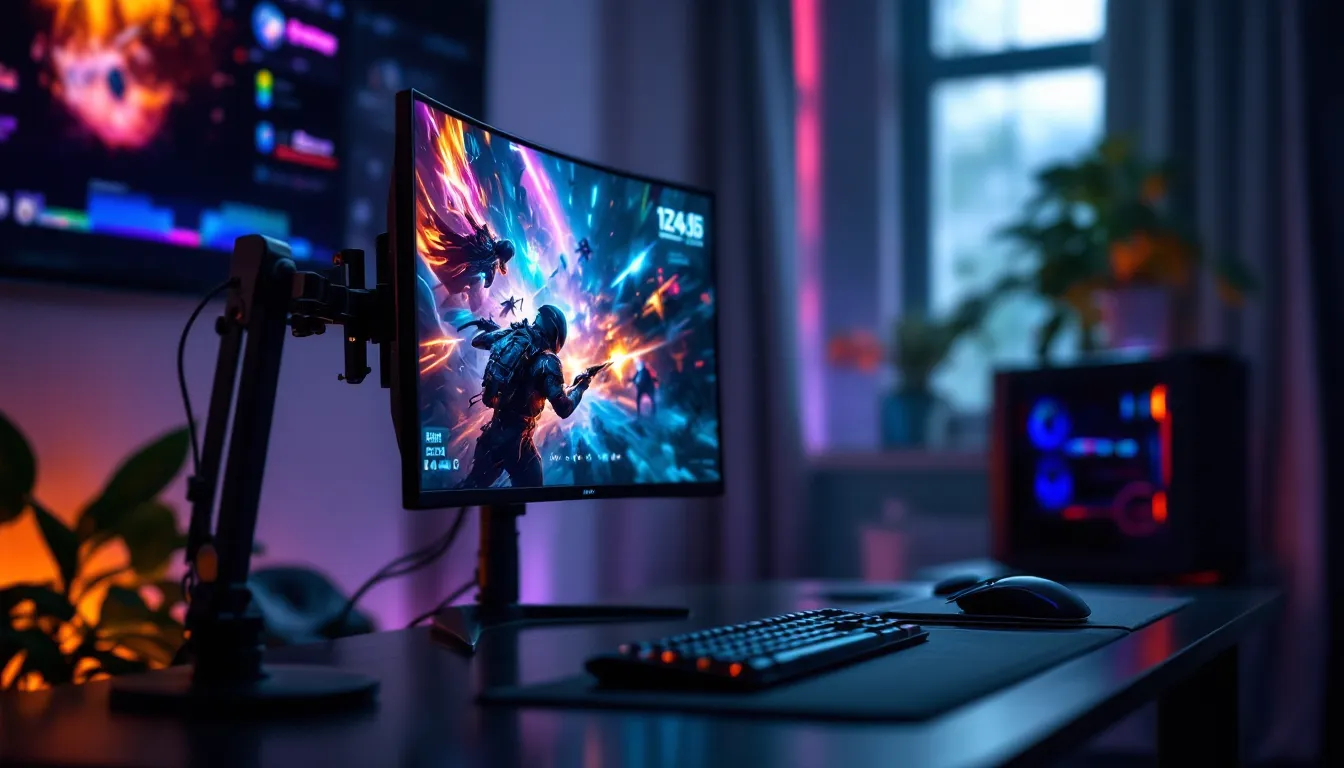

Vertical gaming monitors aren’t a gimmick, they’re a real tool gaining traction among competitive players and indie game enthusiasts alike. If you’ve scrolled through gaming communities lately, you’ve probably seen clips of players crushing opponents with a portrait-mode display, or noticed retro game streamers leveraging the full height of a rotated screen. The shift isn’t just about novelty: it’s about optimizing your visual real estate for specific genres and playstyles. Whether you’re grinding esports titles, exploring pixel-art adventures, or seeking a genuinely different gaming experience, understanding vertical gaming monitors means knowing what advantages they actually deliver, and where they fall short. This guide breaks down everything you need to know about portrait-mode gaming in 2026, from hardware specs to setup optimization and honest tradeoffs.
Key Takeaways
- A vertical gaming monitor is any standard gaming monitor rotated 90 degrees into portrait orientation (9:16 aspect ratio), offering extended vertical screen real estate for specific game genres and playstyles.
- Vertical gaming monitors deliver measurable competitive advantages in esports titles like Valorant and CS:GO by improving visibility of vertical angles and elevations, though they trade some horizontal scanning capability.
- Indie, retro, and shmup games are optimally designed for portrait mode, with titles like Hades, Dead Cells, and Touhou displaying visual clarity and gameplay balance that landscape monitors cannot match.
- Compatibility remains the biggest limitation for vertical gaming monitors, as many AAA games using legacy engines default to letterboxing or image stretching rather than native portrait support.
- Hardware requirements for vertical gaming setup include VESA-compatible monitor mounting, 240Hz+ refresh rates for competitive play, sub-3ms response time, and proper ergonomic positioning to avoid neck and eye strain during extended sessions.
- Vertical gaming monitors excel as specialized tools for particular genres and game libraries, but landscape 16:9 displays remain the universally optimized and tournament-standard choice for mainstream competitive gaming.
What Is A Vertical Gaming Monitor?
A vertical gaming monitor is a standard display rotated 90 degrees into portrait orientation, transforming a typically wider-than-tall rectangle into a taller-than-wide viewing space. Instead of 16:9 or ultrawide proportions, you’re working with a 9:16 aspect ratio that prioritizes vertical screen real estate over horizontal spread.
This isn’t a specialized piece of hardware. Most modern gaming monitors can be mechanically rotated using a VESA-compatible monitor arm, or in some cases, a monitor stand with built-in rotation capability. The magic isn’t in the panel itself: it’s in how games and applications adapt to and take advantage of that portrait frame.
How Vertical Orientation Differs From Standard Displays
The difference is more than aesthetic. Standard 16:9 monitors create a cinematic widescreen, optimized for horizontal scanning and broad peripheral awareness. Vertical monitors flip this: they extend your view upward and downward, compressing the horizontal width.
In practical terms, a 27-inch 1440p monitor in landscape gives you roughly 2560×1440 pixels spread horizontally. Rotate it to portrait, and you’ve got 1440×2560, the same pixel count, but redistributed. What changes is how information occupies your screen. Taller maps feel less cramped. Vertical UI elements, like health bars stacked on-screen or minimap information, suddenly have plenty of breathing room.
The viewport also matters. Games don’t automatically fill portrait displays: many will either letterbox (add black bars on sides) or stretch the image, depending on engine support. This incompatibility is a real limitation we’ll cover later, but the point is: vertical gaming requires intentional support from the game to shine.
Why Gamers Are Switching To Portrait Mode
The shift toward vertical gaming isn’t driven by a single factor. It’s a combination of competitive mechanics, visual clarity, and the rise of games built or adapted specifically for portrait play.
Competitive Advantages In Fast-Paced Games
In games where enemies appear above and below your character rather than strictly left and right, portrait mode rewires your sight lines. A vertical monitor gives you more vertical vision cone without sacrificing horizontal information as much as you’d think. Esports players report that in tactical shooters, the extended vertical FOV helps track opponents rappelling down walls, jumping to high ground, or camping elevated positions.
Consider a game like Valorant or CS:GO. Players are constantly checking angles above and below. A standard monitor’s tight vertical space means you’re either lowering sensitivity to cover more ground or missing threats outside your natural vertical scan. A vertical monitor naturally stretches that zone. Some competitive teams have experimented with portrait setups for this exact reason, though it remains a niche choice due to mainstream monitor design prioritizing landscape.
Response time and refresh rate still matter just as much. Running a vertical 240Hz or 360Hz monitor delivers the same sub-millisecond input lag that competitive gamers demand. The orientation doesn’t change the panel’s performance, just how you experience it.
Improved Visibility And Spatial Awareness
Beyond esports, vertical gaming enhances visibility in ways that feel almost immediately obvious. Text becomes larger and more legible without HUD scaling adjustments. Enemies standing at different elevations spread across more screen real estate, making them easier to spot. In games with stacked UI, think roguelikes with ability tooltips or RPGs with inventory systems, vertical monitors eliminate awkward cramping.
Streamers and content creators love vertical setups because chat integration, alerts, and overlay elements fit more naturally on-screen without overlapping critical gameplay elements. It’s not always about competitive advantage: it’s about creating a cleaner, less cluttered visual experience.
Best Games For Vertical Monitor Setup
Not every game benefits equally from vertical monitors. The best experiences come from titles either natively designed or exceptionally well-adapted to portrait orientation.
Esports Titles That Benefit Most From Portrait Displays
Valor and Counter-Strike 2 have seen the most discussion in competitive circles. The vertical advantage in tracking upward angles is measurable, even if most professional players still stick with ultrawide or standard 16:9 setups for consistency and sponsor integration. Apex Legends and Overwatch 2 also gain from extended vertical vision, especially when holding high-ground positions.
The catch: esports stability favors standardization. Tournament organizers typically use identical hardware, which means even if portrait mode offers an edge, it’s rarely adopted across the board. Individual players experimenting with vertical setups report faster target acquisition in vertical duels, but horizontal scanning doesn’t improve, it slightly reduces. It’s a tradeoff, not a universal upgrade.
Indie And Retro Games Perfect For Vertical Gaming
This is where vertical gaming truly excels. Shmups (vertical scrolling shooters) like Touhou or Ikaruga were designed expecting portrait displays in arcade cabinets. Playing them on a vertical monitor feels like returning home. The entire visual design, enemy patterns, bullet spreads, scoring elements, aligns with tall-screen thinking.
Pixel-art games, roguelikes, and dungeon crawlers also thrive. Games like Hades, Dead Cells, and Enter the Gungeon occupy the vertical space beautifully. The extended height gives breathing room to detailed sprite work without requiring resolution increases. Retro NES and SNES games, often designed around 4:3 aspect ratios, look surprisingly natural on portrait displays.
Modern indie developers increasingly support portrait mode explicitly. It’s become a checkbox feature alongside controller support and colorblind accessibility, a sign that vertical gaming isn’t niche anymore, it’s just another standard option to offer.
Technical Specifications To Look For
If you’re considering a vertical gaming setup, specific hardware specs determine whether you’ll get smooth, responsive gameplay or frustrating limitations.
Refresh Rates And Response Time Requirements
Refresh rate and response time don’t change just because you rotate the monitor. A 144Hz panel running at 144Hz in landscape delivers identical refresh in portrait. Response time (how fast pixels change color) remains the same, typically 1ms to 4ms for gaming monitors.
What matters is matching refresh rate to your game’s demands and your GPU’s capability. Competitive esports players should target 240Hz minimum: if you’re playing slower-paced indie or retro games, 144Hz is plenty. Response time below 3ms keeps motion sharp and eliminates ghosting. Many players find Best Gaming Monitors Over 240Hz in 2024 worth the investment for sustained advantage, though portrait-specific testing is limited since most high-refresh monitors still prioritize landscape marketing.
Resolution And Panel Type Considerations
Resolution interacts directly with portrait gaming. A 27-inch 1440p monitor becomes 1440×2560 when rotated. That’s an unusual resolution for many games, especially older AAA titles. Scaling can introduce blurriness or artifacts. Lower resolution monitors (1080p) rotate to 1080×1920, which most games handle better as it’s closer to standard mobile portrait ratios.
Panel type, IPS, VA, or TN, affects color accuracy and viewing angles. IPS excels for content creation and visual clarity. VA offers better contrast. TN prioritizes response time. For gaming at high refresh rates, IPS and TN dominate. In portrait, an IPS panel’s wide viewing angles become more valuable since you’re sitting directly in front of a taller screen: off-axis viewing is less of a concern.
Check that your chosen monitor supports USB-C, DisplayPort 1.4 or higher, and HDMI 2.1 for modern consoles. Older HDMI versions can’t push high refresh rates over longer cables, which matters if you’re using a monitor arm at an angle.
Connectivity And Compatibility Essentials
VESA mounting compatibility is non-negotiable. Your monitor needs VESA 75×75 or 100×100 mounting holes to attach to a standard monitor arm capable of 90-degree rotation. Check before buying: some gaming monitors skip VESA for proprietary stands.
GPU compatibility is straightforward for PC, almost any modern graphics card supports portrait orientation via driver software. PS5 and Xbox Series X can output to portrait displays without issues as long as the game supports the resolution. Mobile gaming on portrait is naturally ideal.
The real bottleneck is game engine support. Unreal Engine and Unity have portrait rendering options, but older engines (Quake, Source) often default to landscape with black bars in portrait mode. Some games allow custom resolution forcing, while others completely resist portrait orientation. Research your target games before investing in the hardware.
Setting Up Your Vertical Gaming Monitor
Once you’ve selected hardware, the physical and digital setup determines how smoothly your vertical gaming experience flows.
Hardware And Mounting Solutions
You need three things: the monitor, a VESA-compatible mount, and ideally a desk with enough clearance. Most monitor arms use spring-loaded tension to hold the monitor in place: rotation capability is a standard feature on quality arms by brands like Ergotron, North Bayou, or Humanscale.
Measure your monitor’s VESA pattern and weight before buying an arm. A 27-inch 1440p monitor typically weighs 4-6 kg: arms rated for 2-9 kg should handle it comfortably. Position the arm so the rotated monitor’s center aligns with your eye level when seated. A portrait display extends higher than landscape, so you’ll need vertical desk clearance: 70-75 inches of total screen height is common with a 27-inch monitor.
Cable management is slightly trickier with portrait setup. HDMI and power cables now run vertically along the monitor’s back. Use clips or cable sleeves to prevent tangling or strain. If you’re using a standing desk, test the monitor’s clearance at maximum height before committing.
Optimizing Display Settings For Vertical Play
Once mounted, configure your GPU and OS to recognize portrait orientation. On Windows, right-click desktop, select “Display settings,” find your monitor, and choose “Portrait” or “Portrait (Flipped).” macOS and Linux have similar rotation options in display preferences.
In-game, check if the title offers portrait-specific settings. Some games auto-detect rotation: others need manual aspect ratio selection. If a game insists on landscape with black bars, third-party tools like RottenTomatoes (a community-driven utility, not the movie site) can force portrait rendering, though results vary.
Calibrate color if you’re switching from landscape to portrait frequently. Portrait orientation can subtly affect perceived color depth due to viewing angle changes, especially on TN panels. Gaming doesn’t demand professional-level calibration, but if you notice colors shift between orientations, adjust brightness and contrast accordingly.
When setting up Viper Tech Gaming PC or similar high-end rigs with vertical monitors, ensure your GPU drivers are fully updated. NVIDIA and AMD regularly optimize driver support for portrait gaming and unusual display configurations.
Potential Drawbacks And Limitations
Vertical gaming monitors aren’t perfect for everyone. Real limitations deserve honest discussion before you invest in this setup.
Compatibility Issues With Certain Game Engines
Many AAA games, especially those using Unreal Engine 4 or proprietary engines built around landscape displays, simply don’t support portrait orientation gracefully. They’ll either stretch the image (distorting aspect ratio and making gameplay feel off), letterbox with black bars on the sides (wasting screen real estate), or outright refuse to launch at unusual resolutions.
Older games and engine iterations are worse. Source engine games, many Bethesda titles, and custom engines struggle with portrait. Testing individual games is mandatory: don’t assume a genre will automatically work. A shmup might support portrait while its sequel doesn’t, depending on when it was developed and what engine it uses.
This incompatibility is a growing-pain situation. As portrait gaming adoption increases, more developers will add explicit support. But right now, your favorite AAA shooter might not cooperate, forcing you to either rotate back to landscape or accept black bars.
Health And Ergonomic Considerations
A vertical monitor sits very tall. Your neck needs to track from bottom to top more frequently than with landscape. Extended sessions can cause neck strain if your posture isn’t dialed in. The monitor’s top should align with or slightly below your eye level when sitting: if you’re constantly looking up, you’ll fatigue faster.
Wrist and arm strain can also emerge. Portrait displays often feel “narrower” to reach, which might encourage awkward reaching or twisting. Ensure your keyboard and mouse are positioned to keep your arms and wrists neutral, as you would with any gaming setup.
Eye fatigue is less of an issue than with ultrawide monitors since you’re not scanning as far horizontally. But, the increased vertical scanning might cause fatigue if you’re not accustomed to it. Start with shorter gaming sessions and gradually extend duration as your eyes adapt.
Regularly take breaks, use the 20-20-20 rule (every 20 minutes, look at something 20 feet away for 20 seconds), and consider blue-light filters if you game late into the evening. These recommendations apply to any monitor, but portrait’s unique geometry makes ergonomic attention extra important.
Vertical Gaming Monitors Vs. Traditional Setups
Comparing vertical monitors to standard landscape and ultrawide setups reveals when each excels.
Performance Comparison And Use Case Analysis
Landscape 16:9 monitors remain the most versatile and optimized setup. Nearly every game supports it. Tournament standards enforce it. Monitor selection is infinite at every price point. If you’re playing mainstream competitive or AAA titles, landscape is the safest, most-tested choice. GPU benchmarking resources like Tom’s Hardware consistently test monitors in landscape, so performance data is abundant and reliable.
Ultrawide 21:9 monitors (3440×1440) give horizontal advantage without portrait trade-offs. They’re ideal for immersive single-player games, simulation, and strategy titles. But, ultrawide support is hit-or-miss in esports titles, and they’re more expensive than equivalent 16:9 monitors. Many competitive scenes explicitly avoid ultrawide due to competitive variability.
Vertical monitors shine in specific niches: shmups, roguelikes, retro games, and esports titles with strong vertical gameplay elements. They’re cheaper than high-end ultrawide options since they’re just rotated standard monitors. Setup is flexible, rotate back to landscape whenever needed.
The real comparison point is use case specialization. A professional might use landscape for work productivity and landscape gaming, rotate to portrait for indie games and streaming, then back again as needed. Vertical isn’t a “better” setup universally: it’s a specialized tool offering advantages in particular genres and playstyles.
When evaluating hardware for multi-monitor setups, resources like Hardware Times provide detailed breakdowns of monitor combinations and gaming scenarios. Similarly, RTINGS delivers comprehensive monitor reviews covering color accuracy, response time, and viewing angles, all critical when choosing a monitor you’ll be rotating frequently.
Consider your game library and primary playstyle. If 80% of your gaming is competitive esports, landscape 16:9 at 240Hz+ is the objectively better choice. If you split time between shmups, roguelikes, and retro games with occasional esports, a SkyTech Gaming PC paired with a rotatable monitor that supports both orientations gives maximum flexibility.
Conclusion
Vertical gaming monitors represent a legitimate evolution in display gaming, not a gimmick or passing trend. They excel in specific games, esports titles with strong vertical mechanics, shmups, roguelikes, and pixel-art games, while remaining perfectly functional for any game through portrait rotation. The real advantage isn’t universal better gameplay: it’s optimization for genres and playstyles that benefit from extended vertical real estate and the flexibility to switch between orientations as your mood and library demand.
The hardware is straightforward: any gaming monitor with VESA mounting and a quality monitor arm works. Specs to prioritize remain unchanged, 240Hz+ for competitive play, 1440p or better for clarity, response time under 3ms. The limitation lies in game engine support: incompatibility is real but improving as portrait gaming gains adoption.
Before committing, honestly assess your gaming diet. If you’re exclusively competitive, landscape 16:9 remains the proven standard. If you explore varied genres and enjoy retro gaming, a rotatable monitor opens genuinely new experiences. The investment is modest compared to specialized gaming hardware, and the flexibility is genuinely valuable. Setup thoughtfully, optimize your display settings carefully, and monitor your ergonomics during extended sessions. Done right, vertical gaming transforms how you experience a subset of titles you already love, and introduces you to games that were always meant to be played tall.